Save the venues, dresses, flowers and late-night food you find anywhere, each with its picture. Share the plan, and the people helping you like and comment on each idea, right on it.
“Dad and I walked it Sunday. The ballroom opens right onto the beach, and everyone from out of town could stay on site.”Linda, the bride’s mother, on “Sea Crest Beach Resort” · ♥ Liked by Linda and 2 others
From search, a photo, or a link
Move each idea from shortlisted to booked
Pass on the ones that won’t work, without losing them
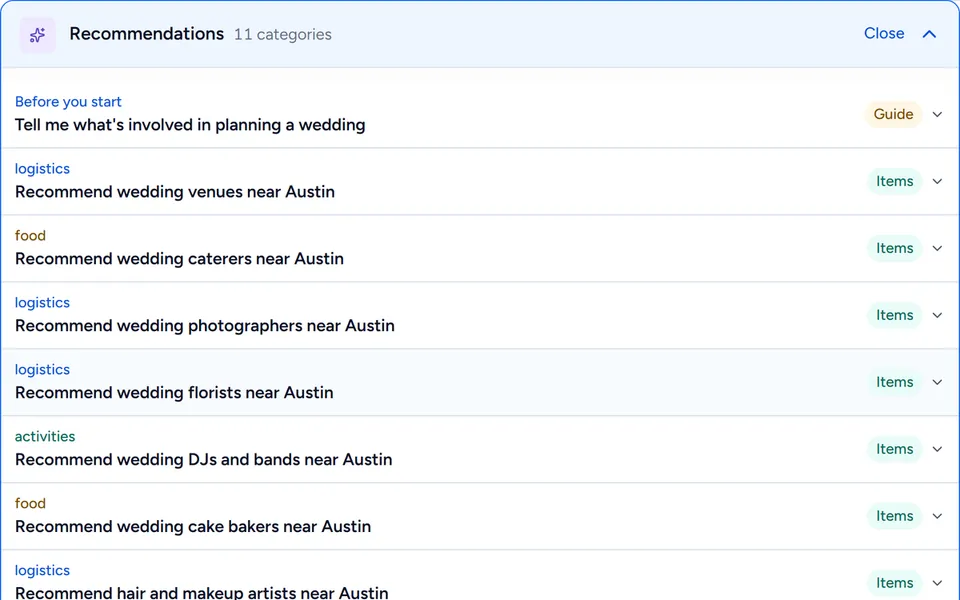
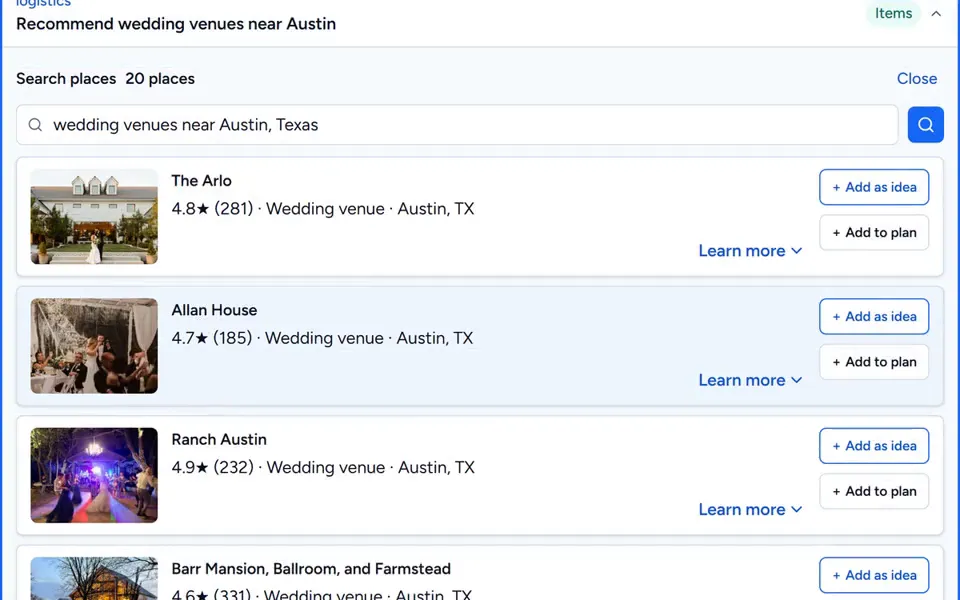
Add your town and the plan finds venues, caterers, photographers, florists, bands and hotel blocks near you, with photos and ratings. It also answers what to book first and what couples forget.
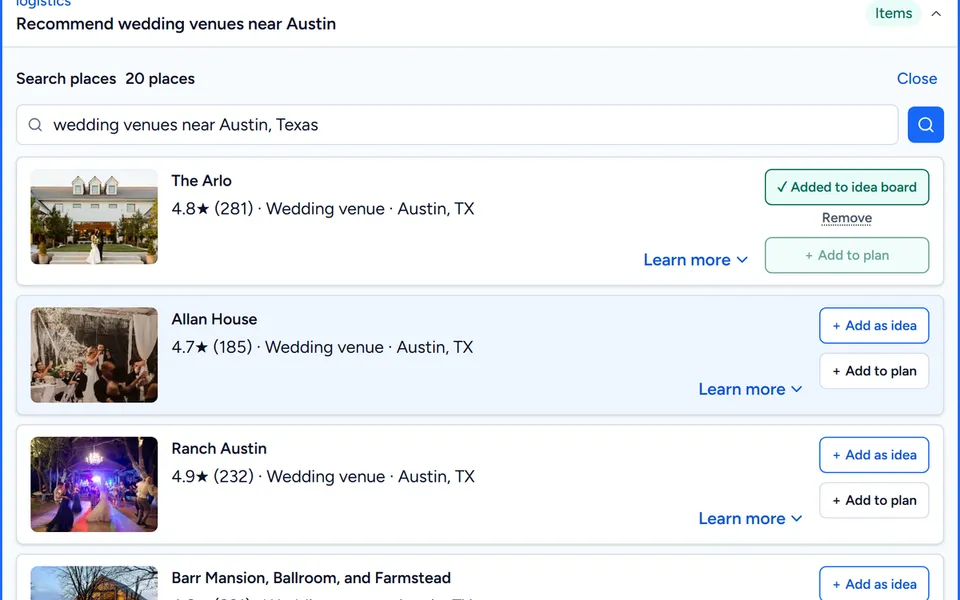
The Arlo · 4.8★ (281) · Wedding venue · Austin, TX → ✓ Added to idea board“Recommend wedding venues near Austin”: 20 places
Venues, caterers, photographers, florists, DJs and bands, cake, hair and makeup, planners, hotels
Add any pick as an idea, or straight to the plan
Guides: what to book first, what people forget, where budgets go over
Venues near Austin 2/3
Collect addresses
Every address, without the group text.
Make one page in your wedding’s own look and send the link. Each guest types in their name, email and mailing address, and it lands on your guest list, matched to their name and ready for the envelope.
“Something fun is coming to your mailbox, as long as we know where it is! Drop your address below. Takes a minute, promise.”The page Joe & Mary sent out. Carol’s address was on their list a minute later.
Wedding looks, petals as it opens, more than ninety fonts, or a drawing made for you
One link by text or email, or printed as a QR code
One tap builds it from what you’ve already planned: a cover photo, your schedule, where to stay, the questions guests always ask, and a menu between the pages. Then make it yours. Click any part to change it, or just say what you want.
“Build my website from my plan” → Home · The day · Travel · Q&A · Photos · RSVPJoe & Mary’s site, with a Nobska Lighthouse cover and a hand-drawn lighthouse
Ask in your own words: “a warmer message”
Every change has its own Undo, and guests see nothing until you publish
One private link per household, already greeting them by name
Your invitation, reply card and details card wear the same look as your website. Change the look and every card follows. Envelopes are addressed from your guest list, and the QR code on the reply card takes each guest straight to their reply.
Maya Torres and Daniel Brooks request the pleasure of your company at their marriageThe formal wording, on a 5 × 7 in card
Invitation, reply card, details card and envelope
Formal, classic, modern or playful wording
Print at home, or compare the printers
Your printed set 1/4
Guests & RSVPs
Your guest list answers itself.
Add each household once, by hand or from a spreadsheet. Every one gets its own private link, replies from their phone, and your list keeps count: who’s coming, how many seats, what they can’t eat.
“Will you be joining us?” Happily accept · Seats attending 2 → Olivia & James Park · ComingA household replying from its own link, and the list a moment later
Households and the people in them, by side, table and invite priority
One private link per household: no account, no app, no ads
Coming, maybe and declined counted as the replies arrive
Seating
Seat 120 people without a spreadsheet.
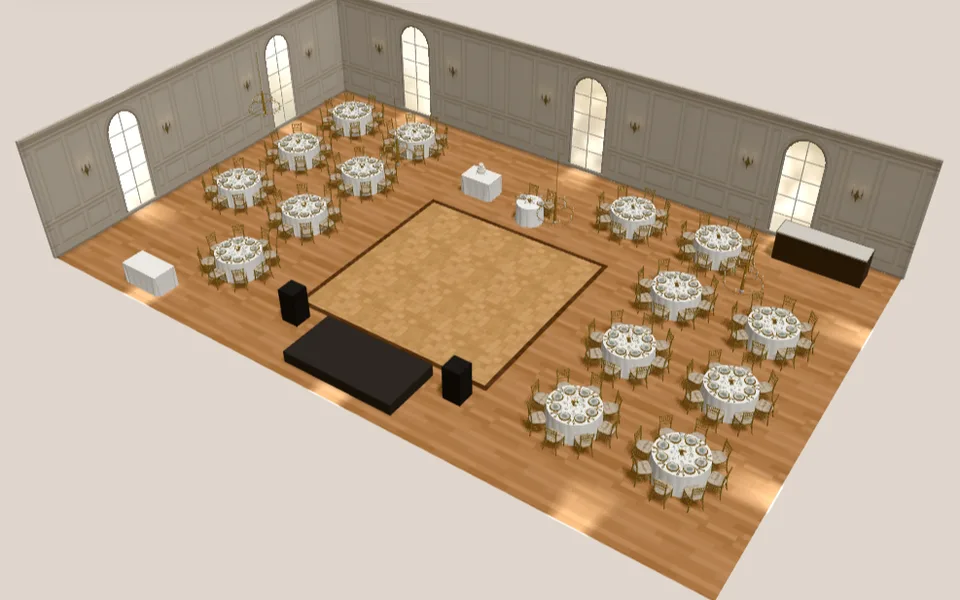
Pick the room, and the plan lays out tables for your headcount around a dance floor and a sweetheart table. Seat everyone, then stand in the room in 3D.
“Lay out the room for 120 guests”79 × 49 ft · 32 sq ft a guest · 16 tables
Ballroom, barn, garden tent or loft
Rules: keep people apart or together, near the exit — or say it in words
Place cards print from the same seats
Seating chart 1/2
In 3D
See your reception before you book a thing.
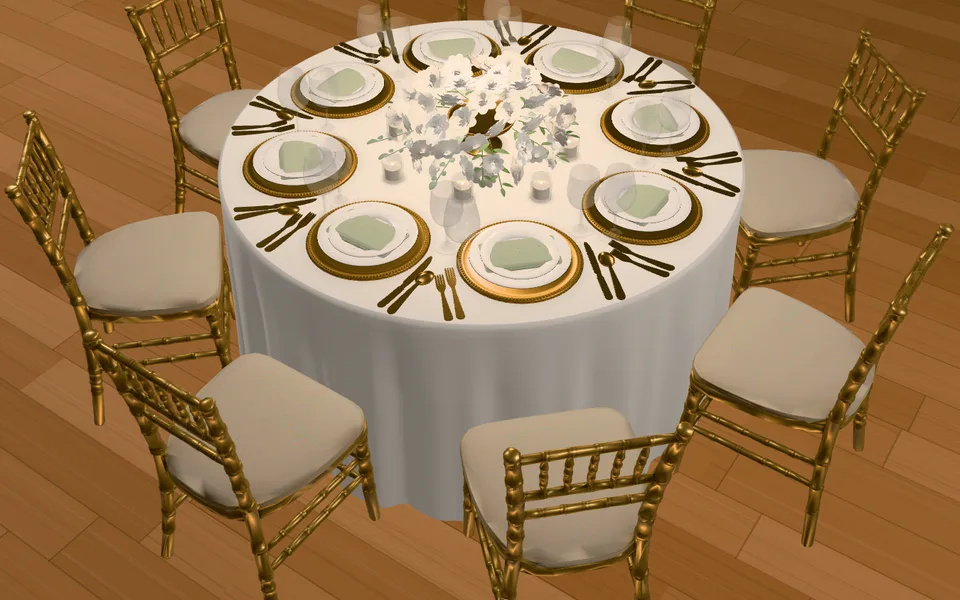
Walk the room, dress the tables, design the flowers. Swap the linens, the chairs or the stems and watch it change in front of you.
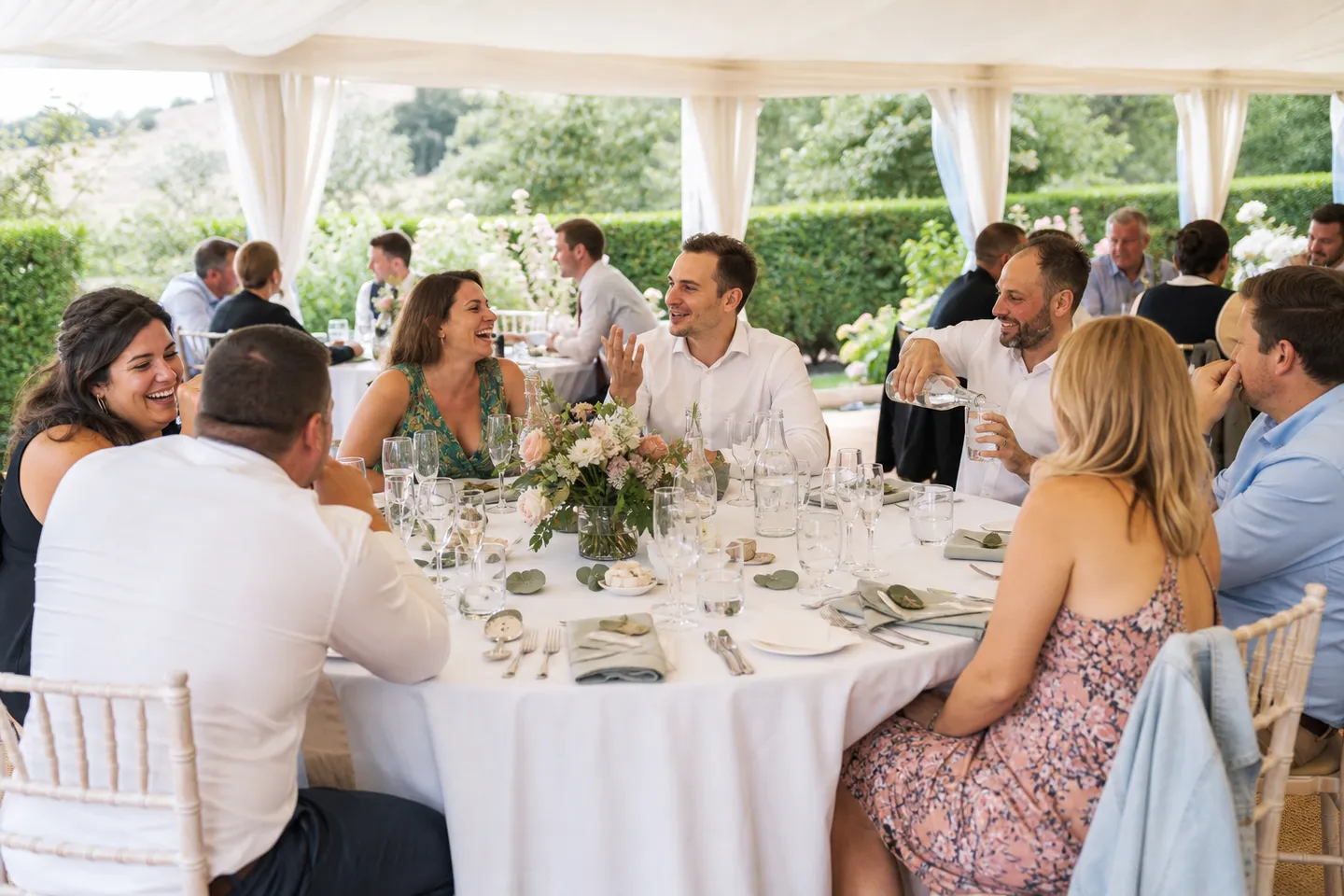
One tap in the 3D view and the room you laid out, the table you dressed and the centerpiece you chose come back as photographs: the same linens, stems and tables, in real light — set and ready, or with your guests there.
See it finished with AIThe View menu, in 3D
Made from your design as it stands: the same layout, the same pieces
Set and ready, or with your guests there
Kept in your plan’s files, with every photo before it
Download it, or add it to your idea board
With your guests 3/8
Timeline & day schedule
Your day, hour by hour.
Every tasting, fitting and walkthrough on one timeline, then the day itself in pictures, from hair and makeup to the send-off.
9:00 AM Hair and makeup begins · 4:00 PM Ceremony · 7:30 PM First dance · 10:00 PM Last dance and send-offThe example’s wedding-day schedule
Reminders before each booking deadline
Rehearsal dinner and other events alongside
Morning to dinner 1/2
Budget & payments
Know what it costs, and what’s due.
Typical prices for every part of the day, what’s booked, what’s paid, and every deposit and balance before it surprises you.
Venue rental 10,200 typical → 7,500 · Budget $79,325 → $76,625Joe & Mary’s budget, the moment they typed the venue’s quote
Grows with your guest list
Swap a typical price for your quote, and the total follows
Deposits and balances per vendor
Watch it first
Watch a wedding get planned
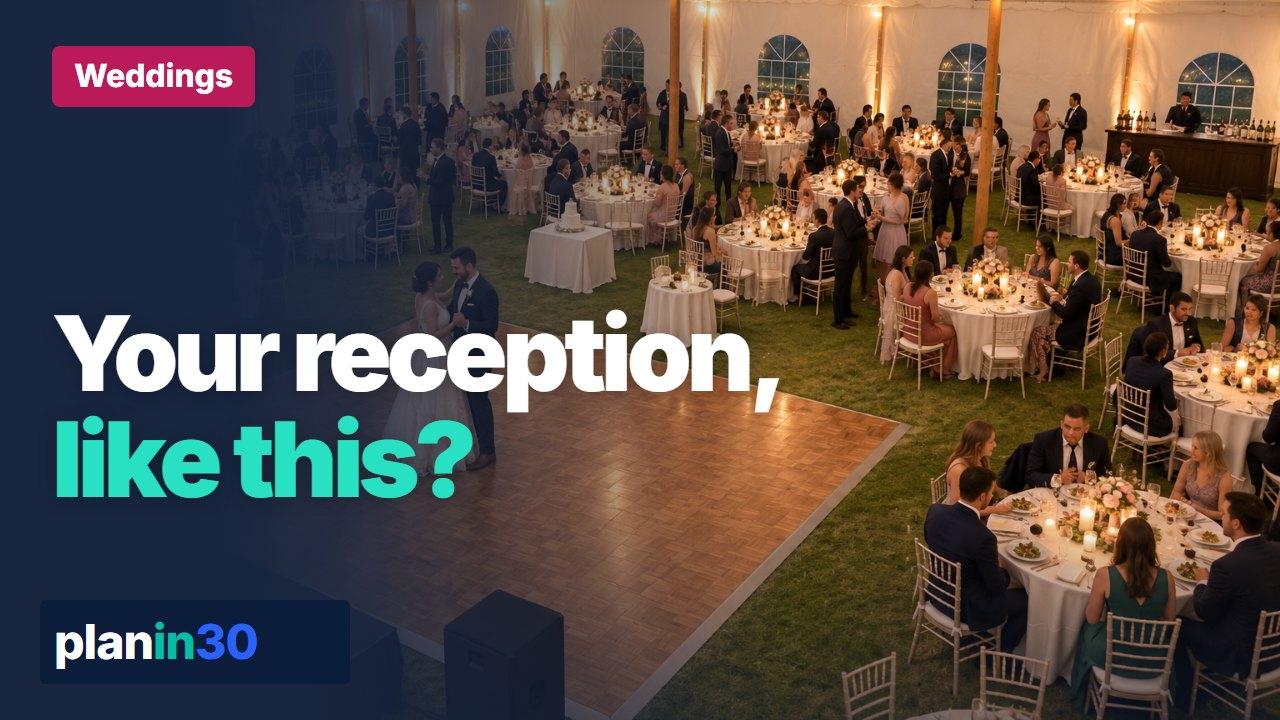
“Imagine your reception like this, the candles lit, before you book a thing. Here’s how.”
The average US wedding costs $35,000 — and that average hides enormous regional variation. The same wedding in Manhattan and in Birmingham, Alabama have completely different price tags. Our calculator asks three things — date, region, guest count — and produces a 40-line-item budget anchored in real regional pricing.
Once you have the budget, we work backwards: how much do you need to save per month between now and the date, and which vendors need to be booked when? The booking timeline runs from 12 months out (venue, photographer) to two weeks out (final headcount, day-of coordinator).
What you can do
✓40 line items: venue, catering, photo, flowers, attire, etc.
✓6-tier regional pricing (NYC/SF, major metros, mid-size, etc.)
✓Vendor booking timeline (12 months out → week of)
✓Monthly savings target to your date
✓Save and share with your partner or planner
Frequently asked questions
How accurate are the regional defaults?
They're anchored in The Knot, WeddingWire, and our own aggregate data. They're a starting point — actual quotes vary by season, day of week, and venue tier. Override any line item.
Does the budget include the engagement ring?
No — the engagement ring is typically pre-budget. Honeymoon is also separate (use the Trip & Vacation Planner).
What if our parents are contributing?
You can split the savings target across multiple contributors. The calculator shows what each person needs to set aside per month.
Should we set the budget before booking a venue?
Yes. The venue, catering, guest count, date, and location drive most of the budget. Set a total ceiling first, then reserve the venue only if the remaining categories still have room.
What wedding costs are easiest to underestimate?
Service fees, tips, alterations, vendor meals, rentals, transportation, postage, beauty trials, welcome events, after-party costs, and last-minute weather plans are easy to miss. Keep a contingency line so every surprise does not become new debt.
Related articles
Practical examples that connect the calculator to real planning decisions.